

TL;DR:
- Privacy-focused apps like Goodbudget and Pocket Clear avoid bank syncs by emphasizing manual entry.
- Manual entry apps help build financial habits and understanding more effectively than automated ones.
- Choose budgeting tools based on your privacy needs, income stability, and specific financial goals.
Picking a personal finance app sounds simple until you realize how many options exist and how few of them actually respect your privacy. As a college student or recent grad, you're not just looking for a spending tracker. You want something that helps you build real habits, keeps your bank details safe, and doesn't bury you in features you'll never use. The tools that work best for your life balance three things: strong privacy, genuine ease of use, and lessons that stick. This guide breaks down the top options so you can stop scrolling and start budgeting.
Table of Contents
- How to choose a personal finance tool that fits your life
- Goodbudget: Digital envelopes for real-world control
- YNAB, EveryDollar, and Rocket Money: Skill-building with a tradeoff
- PocketGuard and Pocket Clear: Flexible budgeting for gig incomes
- How the top finance tools stack up
- Why learning by doing matters more than the perfect app
- Try highly rated finance apps for your daily life
- Frequently asked questions
Key Takeaways
| Point | Details |
|---|---|
| Manual-first tools protect privacy | Goodbudget and Pocket Clear keep your bank data offline by avoiding automatic syncs. |
| Free apps offer real skill-building | YNAB and EveryDollar have student- and education-friendly versions to teach budgeting basics. |
| Pick tools for your income style | PocketGuard shines for gig workers, while envelope and zero-based apps fit predictable paychecks. |
| Start hands-on before automating | Manual entry builds strong money habits—try automation once you know your flows. |
How to choose a personal finance tool that fits your life
Before downloading anything, it helps to know what you're actually evaluating. Not every app is built with students in mind, and the wrong choice can mean wasted time, exposed data, or a tool you abandon after two weeks. Here's what to look at:
- Privacy: Does the app connect to your bank, or does it let you enter data manually? Bank sync features are convenient, but they require sharing your credentials with third-party services.
- Usability: Can you get meaningful insights within your first 10 minutes? A steep learning curve kills motivation fast.
- Cost: Free tiers matter when you're on a student budget. Know what's locked behind a paywall before you commit.
- Skill-building: The best apps don't just track. They teach you why your money moves the way it does.
Privacy deserves extra attention here. Many popular apps use bank-linking services that store your login credentials on external servers. If data security matters to you, finance app criteria like manual entry and zero bank sync should be non-negotiable starting points. Privacy-prioritized tools like Goodbudget and Pocket Clear avoid bank syncs entirely, making them ideal for students wary of data sharing, though manual entry does require consistent discipline.
Pro Tip: Start with a manual-entry app for your first month. Typing in every transaction feels tedious, but it forces you to confront your spending in a way that automation never will. Once you understand your patterns, you can decide if syncing is worth the tradeoff.
Goodbudget: Digital envelopes for real-world control
Goodbudget is one of the most student-friendly privacy tools available right now. It runs on the envelope budgeting method, which means you divide your income into labeled categories before you spend a single dollar. Think of it like putting physical cash into labeled envelopes for rent, groceries, and going out, except it all lives on your phone.
Here's what makes Goodbudget stand out:
- No bank connection required: You enter transactions manually, which keeps your financial data off third-party servers.
- Free tier is genuinely useful: The free version gives you 20 digital envelopes, which is more than enough to cover the major categories most students need.
- Shared budgets: You can sync with a partner or roommate, which is great for splitting shared expenses.
- Cross-platform access: Works on both iOS and Android, so it's accessible regardless of your device.
The envelope method works because it makes limits visual and concrete. When your "eating out" envelope hits zero, you know you're done for the month. No mental math required. Goodbudget's envelope methodology allocates income to specific digital categories, and the manual entry option strengthens privacy by avoiding bank links entirely.

The downside? Manual entry takes time. If you make 30 transactions a week, logging each one can feel like a part-time job. But that friction is also the point.
Pro Tip: Create envelopes for both your essentials (rent, groceries, transportation) and your fun money (coffee, concerts, takeout). Separating guilt-free spending from necessities removes the stress of every small purchase.
YNAB, EveryDollar, and Rocket Money: Skill-building with a tradeoff
Not every app takes the manual-first approach. These three tools build strong financial habits but each comes with its own set of tradeoffs around privacy, cost, and control.
YNAB (You Need a Budget) is arguably the most educational budgeting app on the market. It uses zero-based budgeting, meaning every dollar you earn gets assigned a specific job before you spend it. Rent, savings, groceries, fun money. Nothing sits unallocated. YNAB is free for college students with a .edu email address, and it includes live workshops that actually teach you how to budget, not just track.
EveryDollar follows a similar zero-based approach but leans on the Dave Ramsey financial philosophy. The free version is manual-entry only, which is a privacy win. The interface is clean and beginner-friendly, making it a solid first budgeting app for anyone who wants structure without complexity.
Rocket Money takes a different angle. It automates spending categorization and actively hunts down subscriptions you may have forgotten about. That's genuinely useful when you're juggling streaming services, gym memberships, and app subscriptions. However, Rocket Money uses Plaid for read-only bank access, which means a third party is involved in your data flow.
"Students report better financial literacy with envelope and zero-based budgeting methods, while tools like Rocket Money and YNAB consistently earn 4-plus star ratings from NerdWallet, PCMag, and CNET for their practical features."
For budgeting for students who want to build real skills, YNAB and EveryDollar are the stronger picks. Rocket Money shines if your main goal is cutting wasted subscriptions fast.
PocketGuard and Pocket Clear: Flexible budgeting for gig incomes
If your income changes month to month because of freelance gigs, part-time shifts, or side hustles, traditional budgeting apps built around a fixed paycheck can feel useless. PocketGuard and Pocket Clear are designed with that flexibility in mind.
Here's why they work for irregular earners:
- No fixed income assumption: Both tools let you update your available balance as money comes in, rather than locking you into a monthly projection.
- Privacy-first design: PocketGuard's manual tracking option avoids bank links entirely, keeping your data local and private.
- Simple math: PocketGuard's core feature is the "In My Pocket" calculation, which shows you exactly how much money is safe to spend after bills and savings goals are accounted for.
- Minimalist interface: Pocket Clear strips away everything non-essential, which makes it fast to use on the go.
For student income tracking that doesn't assume you get paid the same amount every two weeks, these tools remove a lot of the guesswork. You can log a $200 freelance payment the moment it lands and immediately see how your spending room changes.
Pro Tip: Check your "In My Pocket" number every morning before you spend anything. It takes 10 seconds and keeps you from blowing your weekly budget on Monday.
How the top finance tools stack up
Here's a side-by-side look at all five tools across the criteria that matter most to students:
| App | Privacy | Cost | Entry method | Best for |
|---|---|---|---|---|
| Goodbudget | High | Free/paid | Manual | Envelope budgeting beginners |
| YNAB | Medium | Free (.edu) | Manual or sync | Deep skill-building |
| EveryDollar | High | Free/paid | Manual (free tier) | Ramsey-style structure |
| Rocket Money | Lower | Free/paid | Automated (Plaid) | Subscription management |
| PocketGuard | High | Free/paid | Manual option | Gig and irregular income |
Rocket Money and YNAB consistently earn 4-plus star ratings from major review outlets like PCMag, NerdWallet, and CNET, but ratings alone don't tell the full story for privacy-conscious students.
Here's how to pick and adapt the right tool for yourself:
- Identify your biggest pain point. Overspending? Use Goodbudget. Forgotten subscriptions? Try Rocket Money. Irregular income? Go with PocketGuard.
- Start free. Every tool on this list has a free version. Test it for 30 days before paying for anything.
- Decide on your privacy threshold. If bank syncing makes you uncomfortable, stick to manual-entry apps.
- Track for one full month before judging. One week of data tells you almost nothing. A full month reveals real patterns.
- Upgrade only if the free tier genuinely limits you. Most students never need a premium plan.
For a broader look at personal finance app comparison criteria, it helps to map your specific situation before committing.
Why learning by doing matters more than the perfect app
Here's the uncomfortable truth: most people spend more time researching budgeting apps than actually using them. The search for the perfect tool becomes its own form of procrastination.
Manual entry apps feel harder at first. They are. But that friction is where the learning actually happens. When you type in every coffee purchase, every Uber ride, every impulse buy, you stop being passive about your money. Automated apps are efficient, but efficiency isn't the same as understanding.
At Decent4, we've seen this pattern repeatedly. Students who start with real-world budgeting experience using manual tools develop stronger financial instincts than those who rely on automation from day one. The app matters far less than the habit of engaging with your money regularly.
The best budgeting app is the one you actually open. But the one that teaches you the most is the one that makes you slow down and think.
Try highly rated finance apps for your daily life
You've now got a clear picture of what separates a good finance tool from a great one. Privacy, usability, and genuine skill-building aren't extras. They're the baseline.
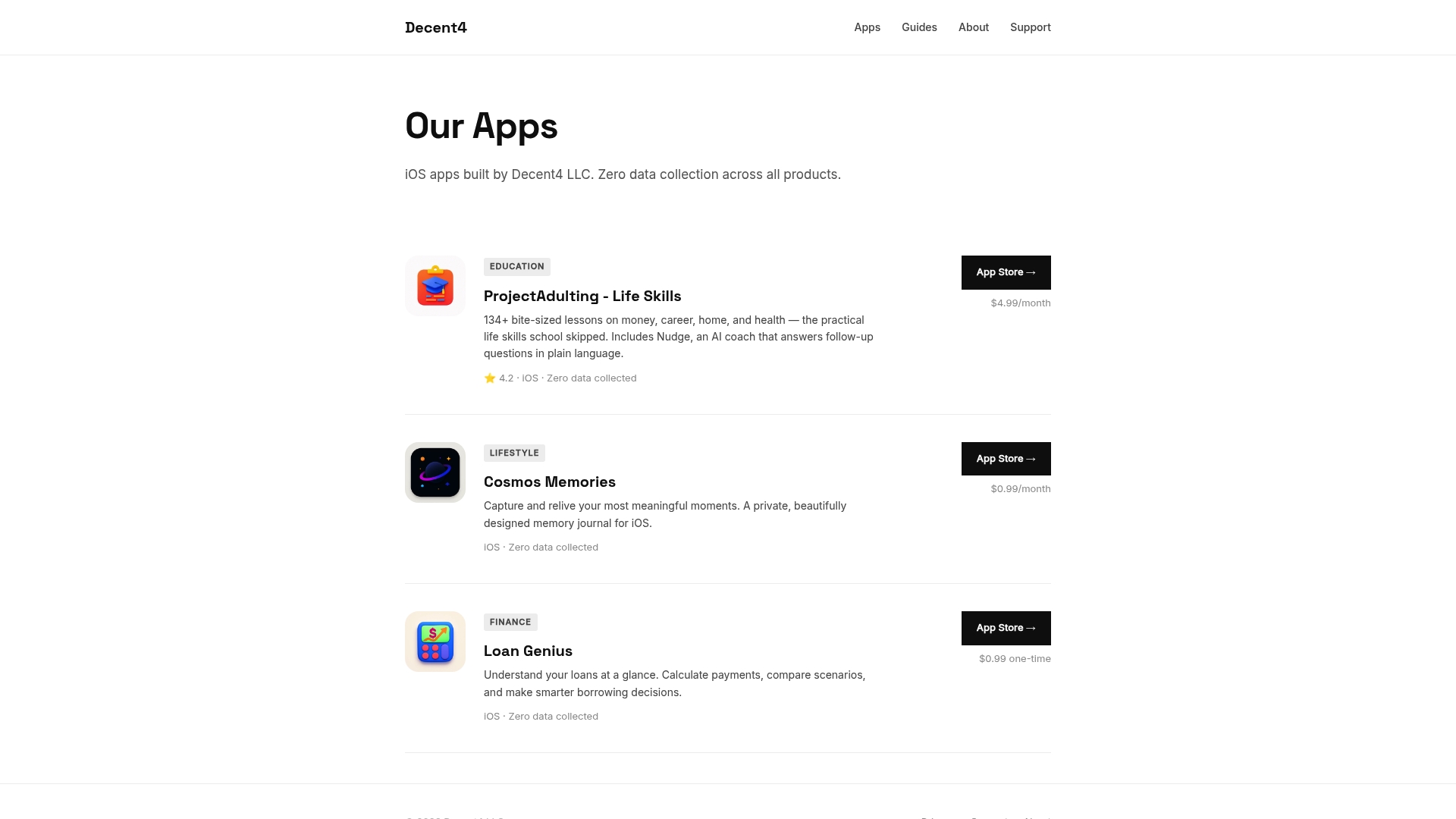
At Decent4, we build iOS apps designed specifically for young adults who want practical tools without compromising their privacy. From budgeting to life skills, our apps are built around zero data collection and real learning. Check out our brand facts to see what we stand for, or browse all our available apps to find the right fit for where you are right now. Start hands-on, build the habit, and level up as your financial life grows.
Frequently asked questions
What's the safest budgeting app for protecting my privacy?
Apps like Goodbudget and Pocket Clear avoid bank syncs entirely and rely on manual entry, making them the top choices for privacy-focused users who don't want third parties touching their financial data.
Are there any good free budgeting apps for college students?
YNAB is free for students with a .edu email address, and both Goodbudget and EveryDollar offer solid free tiers with manual entry that cover the essentials without requiring a subscription.
Which app is best for managing irregular income from side jobs?
PocketGuard and Pocket Clear are built for flexible, gig-based income, offering manual tracking without bank links so you can update your budget in real time as money comes in from different sources.
What's the difference between envelope and zero-based budgeting?
Envelope budgeting divides your income into spending categories before the month starts, while zero-based budgeting assigns every single dollar a specific job so nothing goes unaccounted for. Both methods work well for building awareness.
Do automated budgeting apps share my bank data?
Most automated apps use third-party services like Plaid, which are read-only but still require sharing your bank credentials with an external service, which is a privacy consideration worth factoring into your choice.